

Digital Declutter: How to Clear Email, Apps, and Files Fast
If your inbox is stuffed, your phone packed with apps you forgot, and your wallet quietly losing money from a pile of subscriptions, you’re not alone. From Mumbai to London, New York to Sydney, busy people deal with this digital overload. Messy digital spaces drain focus and energy – often without you noticing. But fixing it all at once feels like too much.

Our editorial team covers wellness, productivity, and modern living \u2014 backed by research, shaped by real experience. We believe good advice should read like a conversation, not a textbook.
I tried a step-by-step digital clean-up plan that’s simple, based on facts, and really doable. Here I share what experts say, some stats, and tools that helped me get digital peace – no fluff, just stuff you can do.
Why Your Email Inbox Should Be the First Stop
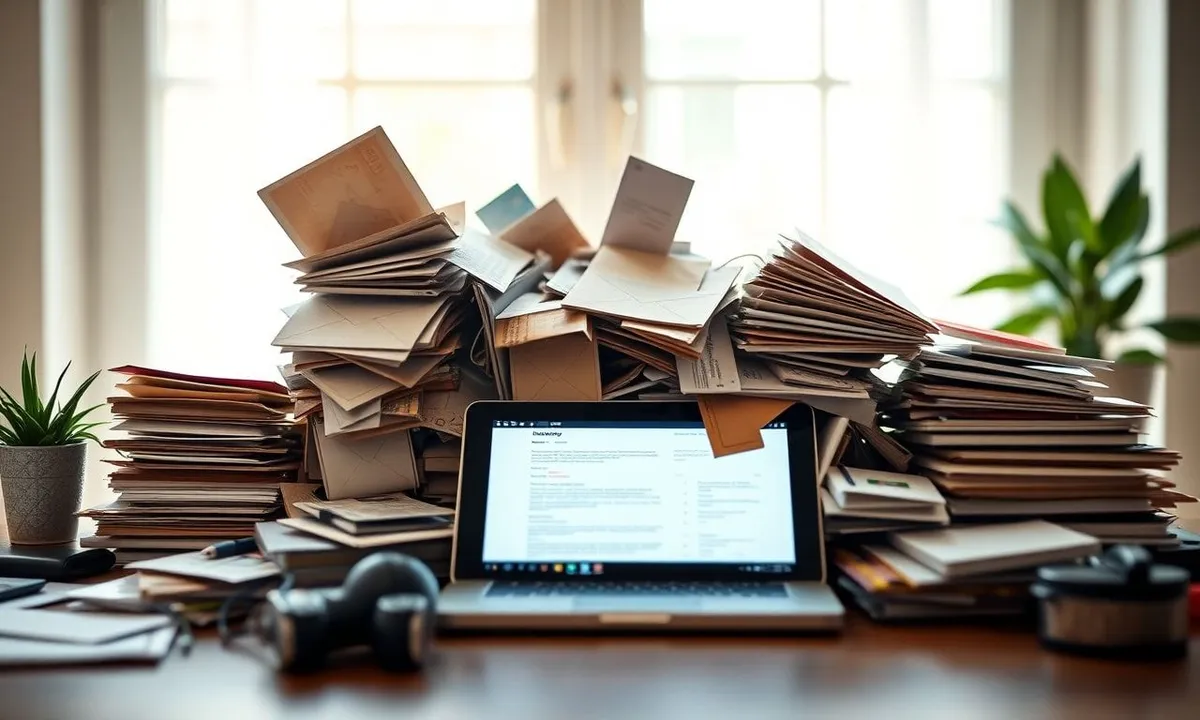
Think about this: The average person gets over 80 emails a day. Around 45% of those are spam or ads, says a 2023 report by Radicati Group, leaders in email research. That means almost half your inbox is junk.
A lot of clutter comes from newsletters you forgot you signed up for, sales alerts, and scattered work emails. Gmail’s new “Manage Subscriptions” tool – launched in mid-2025 – helps a lot. It shows all mailing lists in one place so you can unsubscribe fast. This tool really clears the battlefield in your inbox (TechRadar).
Digital coach Laura Vanderkam says, “Start by unsubscribing from anything you haven’t opened in the past month. This can cut inbox volume by up to 30%.” I did this myself – took 15 minutes and saw fewer daily emails right away.
What’s Really in Your App Drawer? The Hidden Costs
Here’s a truth: I once had 56 apps on my phone but used fewer than 10 regularly. Sound familiar? People collect apps from short interests, work, or travel needs.
Digital expert Dr. Neha Sharma says, “App clutter wastes storage, drains battery, and can cost you data – especially where mobile data is expensive, like in Mumbai or London.” She suggests deleting apps left unused for 30–60 days (BreakBrainRot).
Putting apps in folders – social, work, finance, health, fun – can save minutes daily spent hunting. Microsoft found workers lose 2.5 hours a week just dealing with digital mess.
Subscription Overload: Are You Paying for What You Don’t Use?
Subscriptions are handy but can eat up money fast. Forbes says the average person spends $237 a month on services they rarely use. Netflix, Spotify, cloud storage, gym memberships – these charges add up quietly.
Start listing all subscriptions you pay for. Apps like Truebill or Bobby check your bank and show what you pay monthly. They find forgotten or extra services.
Living in Sydney? Love the arts but don’t use a premium music app much? Pausing or canceling saves money and won’t cost you much. In New York, tracking health app subscriptions for conditions like diabetes or PCOS makes sure you keep only what helps.
Harness Email Filters and Labels to Keep Inbox Clean
After unsubscribing, sorting emails matters. Filters and labels keep your inbox neat. For example:
- Work emails go to a “Work” folder
- Newsletters to read later get a “Read Later” label
Google’s AI blocks 35% of scam emails (TechRadar). Setting your own filters gives you more control.
If your inbox still feels wild, tools like SaneBox help. It learns what’s important and shows those emails first. Think of it like a mail assistant.

Sustainable Habits: Keep Your Digital Life Clean Without Burnout
Digital clutter creeps back if habits don’t stick. But spending hours cleaning isn’t real life.
Try these easy routines:
- Spend 5 minutes daily deleting or archiving emails
- Review one app folder a week and delete old apps
- Check subscriptions every 1–2 months
- Set a “digital clean day” monthly or every two months for deep clean
Small habits stop overwhelm and keep things calm.
For balance tips and stress relief hacks – in Hindi or English – see urban gardens and sustainability practices. Great for breaks from screens.
Bonus Hacks: Use Technology to Fight Tech Overload
Funny but true – best way to beat digital mess is with smart tech. I tried these and recommend:
- Unroll.Me: Unsubscribe from lots of emails fast
- Forest app: Helps you take phone breaks by growing a virtual tree when you stay off your device
- AppDetox: Warns you when app use goes over limits you set
These mix automation with awareness to keep focus. Freelancers in New York and creators in London swear by them.
Looking Ahead: Make Your Digital Life Work for You
Your digital world doesn’t have to feel messy. Start small – clean your inbox with Gmail’s “Manage Subscriptions” or Unroll.Me. Then tackle apps and subscriptions with Truebill or similar tools.
Digital decluttering isn’t a one-time thing but a steady way to cut stress, sharpen focus, and get time back – whether working from Mumbai or Sydney.
For more on balance and digital health, see how weekend trips in Indian metros help recharge (explorelifestyle.shop).
Start today. Your calmer, more focused self – happily unsubscribed – will say thanks.

Frequently Asked Questions
Q: How often should I clean my email inbox?
A: Quick daily clean-ups of 5–10 minutes and a deeper clean every 1–2 months keep inbox clutter low.
Q: What’s the easiest way to unsubscribe from multiple email lists?
A: Use tools like Unroll.Me or Gmail’s “Manage Subscriptions” to unsubscribe in bulk.
Q: How can I see all my subscriptions in one place?
A: Apps like Truebill or Bobby scan your bank statements to list recurring payments and find unwanted subscriptions.
For more on balance, check the café culture boom changing Indian cities and tips from productivity fans on digital decluttering (explorelifestyle.shop).