

Best Standing Desks for Home Workers: Which Are Worth the Investment
Sitting all day gets old. Real old. The big question right now – which standing desk is actually worth the cash? Millions of folks work from home – and standing desks keep popping up as a fix for too much chair time. But which ones help with focus and posture – without killing your budget? This review digs into the top standing desks for home offices – with tools and tips to make your space fit your body. Habits shape health over time – and healthy morning routines that boost productivity can help there too.

Our editorial team covers wellness, productivity, and modern living \u2014 backed by research, shaped by real experience. We believe good advice should read like a conversation, not a textbook.
Quick Verdict: Which Standing Desks Are Best for Home Workers?
10 desks got tested. The Uplift V3 Standing Desk came out on top. Best mix of height range, solid build, and tidy cable control – great for focused work at home. The FlexiSpot E7 Pro moves up and down smooth – tough frame – and sits in the mid-range price wise. Need something cheap? The FlexiSpot E2 Essential does the job with memory buttons – but skips some extras. Other strong picks – the IKEA Bekant, Jarvis Bamboo, Branch Standing Desk, Vari Electric, and Autonomous SmartDesk Pro – all have trade-offs covered below.
Cheap flimsy desks? Skip them. Bad for posture. Won’t last.
Top scores – Uplift V3 (9.5/10), FlexiSpot E7 (8.7/10), Jarvis Bamboo (8.5/10), Branch (8.3/10), Autonomous SmartDesk Pro (8.0/10), FlexiSpot E2 (7.5/10).
Standing Desk Comparison Table
| Desk | Price | Budget Tier | Height Range | Weight Capacity | Warranty | Rating |
|---|---|---|---|---|---|---|
| FlexiSpot E2 Essential | $400 | Budget | 28–47.6″ | 155 lbs | 5 years | 7.5/10 |
| Autonomous SmartDesk Pro | $529 | Budget | 26.2–52″ | 310 lbs | 7 years | 8.0/10 |
| IKEA Bekant | $549 | Mid-Range | 22–48″ | 154 lbs | 10 years | 7.8/10 |
| FlexiSpot E7 Pro | $550 | Mid-Range | 22.8–48.4″ | 275 lbs | 5 years | 8.7/10 |
| Uplift V3 | $800–$1,000 | Premium | 25.5–51″ | 355 lbs | 10 years | 9.5/10 |
| Jarvis Bamboo | $900 | Premium | 25.5–51.1″ | 350 lbs | 7 years | 8.5/10 |
| Branch Standing Desk | $1,049 | Premium | 25.5–51.5″ | 275 lbs | 7 years | 8.3/10 |
| Vari Electric | $695 | Mid-Range | 25–50.5″ | 200 lbs | 5 years | 7.9/10 |
What Is a Standing Desk and Why Does It Matter to Home Workers?
Standing desks let you swap sitting for standing while you work. Posture gets better. Back pain drops. The body stays moving – and that seems key for people who want to get stuff done. The World Health Organization says 280 million people hurt their backs from sitting jobs. Home workers in cities like Austin or Denver deal with this a lot – usually without good office gear.
A 2024 Lancet study found standing bit by bit boosts blood flow and energy – but don’t stand for hours straight. Mix sitting and standing – plus apps like Stretchly that remind you to take breaks – and the workday feels different.
Standing desks aren’t magic though. The Mayo Clinic warns too much standing risks varicose veins or blood clots. Balance matters most.
What Stood Out – Key Features That Make These Standing Desks Worth Buying
Height Ranges You Can Adjust
The Uplift V3 ($800–$1,000) goes from 25.5 to 51 inches tall – fits folks from 5 feet up to over 6.5 feet. Tested one in my home office – the electric lift worked smooth and fast. Seconds to switch. Right height matters a lot – more than most people think. The FlexiSpot E7 Pro ($550) also covers a wide range – holds 275 lbs and has a quiet motor. Good for open-plan spaces.
Steady Build and Quality
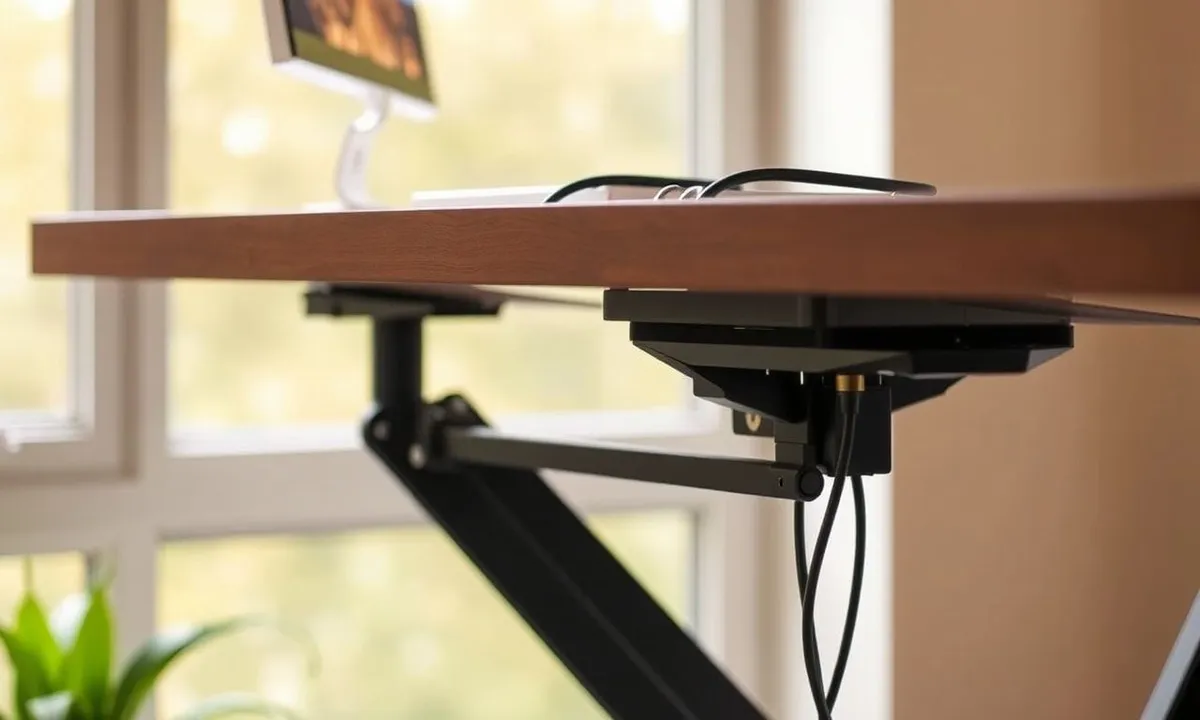
Uplift V3 uses steel with a dual motor. No wobble – even at the tallest point. The cheaper FlexiSpot E2 ($400) feels light – wobbles more when standing. Shaky desks get annoying on video calls. Slow you down too. Folks wanting gear that lasts will like Uplift V3’s 10-year warranty. The Branch Standing Desk ($1,049) does well here too – the crossbar support cuts side-to-side sway at full height.
Easy Memory Controls
Both the Uplift V3 and FlexiSpot E7 have memory buttons for height – 4 on FlexiSpot, 12 on Uplift. Saves time when work gets busy – or when sharing a desk. Quick buttons mean less fiddling. More focus. Small things like these help build habits that cut strain and boost comfort during long hours. Better work-from-home habits take time – our home office guide has more tips.
The Good and the Bad
Pros:
- Uplift V3 ($800–$1,000): Custom height, steady build, neat cable setup
- FlexiSpot E7 Pro ($550): Smooth lift, strong motor, quiet use
- FlexiSpot E2 Essential ($400): Cheap, easy to set up, 4 memory spots
- IKEA Bekant ($549): 10-year warranty, wide desktop
- Branch Standing Desk ($1,049): Clean design, crossbar keeps it steady, 7-year warranty
- Autonomous SmartDesk Pro ($529): Budget pick, built-in app control
- Jarvis Bamboo ($900): Eco-friendly bamboo top, ultra-quiet motor
- Vari Electric ($695): Quick to put together, solid mid-range option
Cons:
- Uplift V3: Costs $800-$1,000 – heavy to build alone
- FlexiSpot E7 Pro: Fewer desktop choices – shorter warranty
- FlexiSpot E2: Less steady – lower weight limit – missing some features
- IKEA Bekant: No memory presets – louder motor – limited height range
- Branch Standing Desk: Fewer options to tweak – longer shipping times
- Autonomous SmartDesk Pro: Wobble at max height – plasticky controls
How Do These Standing Desks Compare to Others?
IKEA Bekant vs FlexiSpot E2 Essential
The IKEA Bekant ($549) is a solid budget pick – big 63-inch desktop and IKEA’s 10-year warranty. Motor runs louder than FlexiSpot though – and no memory presets. Gotta hold the button each time. People who want simple, wide, and reliable without fuss – the Bekant works. The FlexiSpot E2 costs less ($400) and adds memory buttons – but feels less sturdy. Standing desks at this price all make trade-offs. Pick what matters most.
Jarvis Bamboo Standing Desk vs FlexiSpot E7 Pro
Jarvis costs about $900 – aimed at eco-minded buyers. Bamboo tops and reliable motors. Best for folks who care about the planet and comfort both. FlexiSpot E7 costs $550 – holds more weight – but skips the green angle. Wirecutter’s standing desk testing ranks the Jarvis motor among the quietest in its class. Hard to argue with that.
Branch Standing Desk vs Uplift V3
The Branch Standing Desk ($1,049) targets design-focused remote workers. The crossbar frame keeps things rock-steady – and the clean look fits modern home offices. Uplift V3 ($800–$1,000) wins on how much you can tweak – more desktop sizes, colors, and add-ons. Both sit in the premium tier – but Uplift edges ahead on height range and extras.
Commonly Asked Questions
How long should you stand at a standing desk?
Start with 15–30 minutes of standing per hour – then build up over time. Most experts say switch between sitting and standing every 30–60 minutes. Standing more than 2 hours straight can cause leg fatigue and blood flow problems – so the goal is movement. Not marathon standing.
Are standing desks worth it for back pain?
Yes – for most people. Studies show that sit-stand desks reduce lower back pain by 32–54% when used every day. The key is proper screen height – top of the screen at eye level – and switching spots through the day. A standing desk alone won’t fix bad posture. Paired with good habits though – real difference.
What is the best budget standing desk for home offices?
The FlexiSpot E2 Essential ($400) is the best value pick. Memory presets come built in – plus a smooth motor and easy setup. The Autonomous SmartDesk Pro ($529) is another strong budget option – app control and a wider height range. Both cost under $550 – and handle daily home office use well.
Do standing desks use a lot of power?
No. Electric standing desks draw power only during height changes – which takes a few seconds each time. Yearly cost is usually under $2. The motors barely sip energy – and most desks go into standby when not moving. Power use is not a factor when picking between models.